

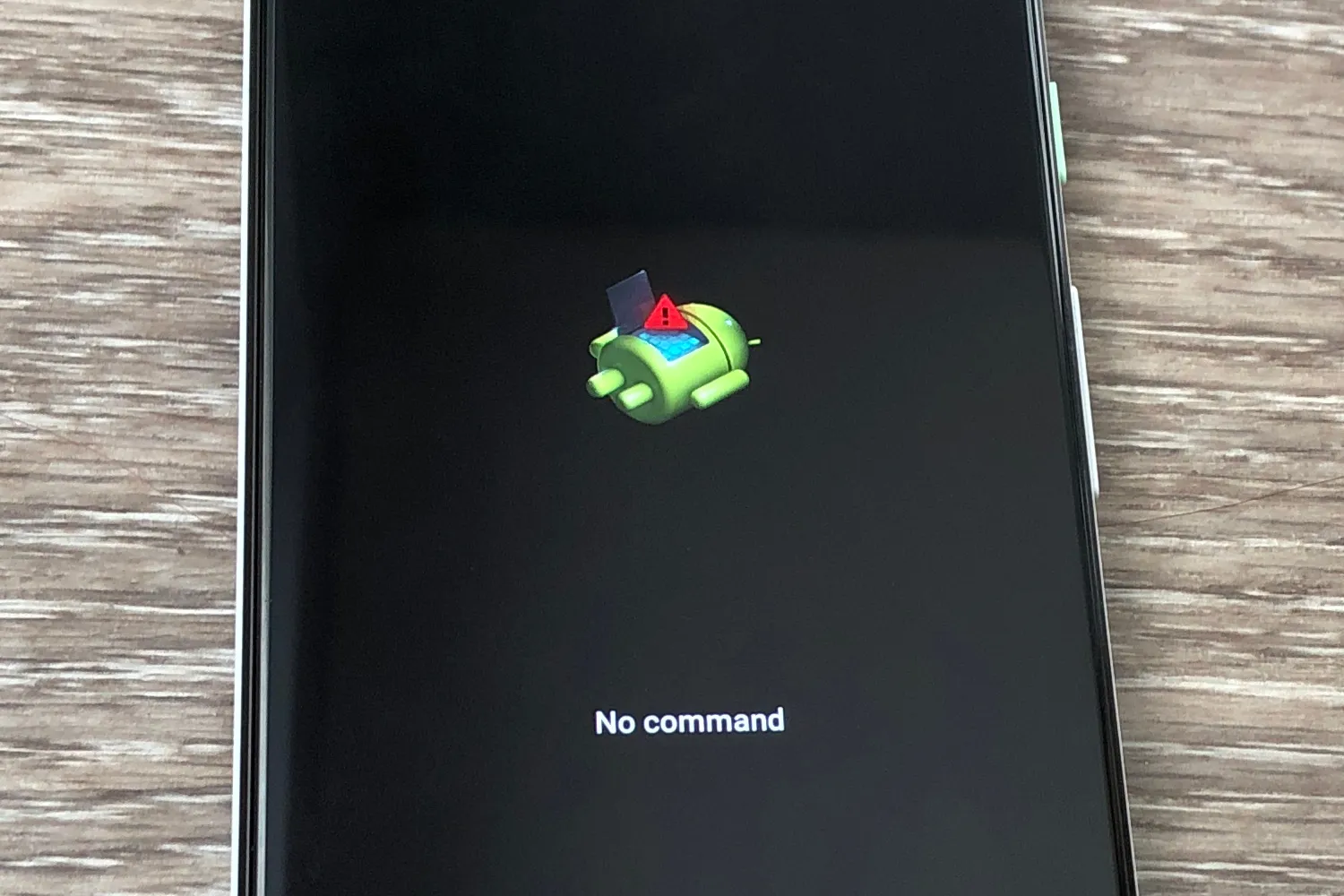
Popular worldwide mobile operating system Android is renowned for its adaptability and personalising choices. Still, occasionally things go bad. Your smartphone may be damaged via a faulty update, a stubborn program, even a basic user error. This is where Android recovery comes in, functioning as a safety net for your smartphone, giving access to necessary tools that may help you debug difficulties, restore your device to its original form, or even release its latent potential.
On your smartphone, Android recovery is a specialised partition apart from the primary Android operating system. Basically, it’s a little operating system meant for particular handling of particular chores pertaining to system recovery and maintenance. Accessing it with a certain button combination during boot-up offers a menu-driven interface. With a variety of strong choices this interface presents, you can:
This option totally removes all data from your device and returns it to its factory settings. Though it’s the most extreme action, it might be required to ready the device for sale or donation or to resolve software issues.
Manually install system updates via Android recovery, therefore avoiding the conventional update method. Testing beta versions, repairing faulty updates, or installing custom ROMs all benefit from this.
Install system updates from an external storage device—like an SD card—by using this option from External Storage. For smartphones that have had update problems or for installing custom ROMs, this is really vital.
Restarts the device into recovery mode and provides a menu-driven interface to access the specified choices.
Usually used for advanced troubleshooting and customising, Boot into Download Mode helps the device be ready for flashing firmware using a specific tool.
Android recovery has actual power in its capacity to interface with custom ROMs and custom recoveries. These respective customised versions of the standard Android operating system and recovery environment provide improved capabilities and customising choices. Custom ROMs can offer optimised performance, more features, and a more recent iteration of Android. Custom recoveries include TWRP (Team Win Recovery Project) improve the standard recovery experience by including sophisticated tools including file backups, partition management, and advanced troubleshooting choices.
Customising ROMs and recoveries calls for some degree of technical knowledge, and improper performance runs the danger of bricking your device. The possible benefits are really great, though. Imagine the ability to customise your phone’s software to your particular needs, access innovative features before they go widespread, and even extend the life of your gadget by upgrading its operating system outside of its official maintenance schedule.
Android recovery opens a universe of possibilities rather than only a means of troubleshooting. It helps consumers to take charge of their tools and release their best ability. Still, one should approach it carefully and do extensive study. Learn the hazards and make sure you have a trustworthy backup of your data before diving into the realm of custom ROMs and recoveries.
Here are some real-world situations when Android recovery may literally save lives:
Doing a factory reset using recovery can unlock your device should you have forgotten the PIN or password for that device.
A boot loop is the situation when your device gets caught repeatedly doing the starting process without reaching the home screen. Often fixing this problem in recovery mode is by deleting cache or perhaps doing a factory reset.
Should faulty software cause your device to crash or malfunction, a factory reset using recovery will fix the problem.
Install custom ROMs—which provide a better tailored and usually more reliable Android experience—by first ensuring Android recovery.
Rooting your smartphone gives you administrator access, therefore enabling you to change system files and unlock sophisticated capabilities. For rooting and for controlling custom ROM installations, recovery mode is absolutely vital.
Any Android user will find great use for Android recovery. Knowing its capabilities and applying it sensibly can greatly improve your mobile experience. It will help you to solve issues, update your gadget, and release its full potential. Recall—great power comes with tremendous responsibility. Investigate, be careful, and savour the freedom and flexibility Android recovery presents.